

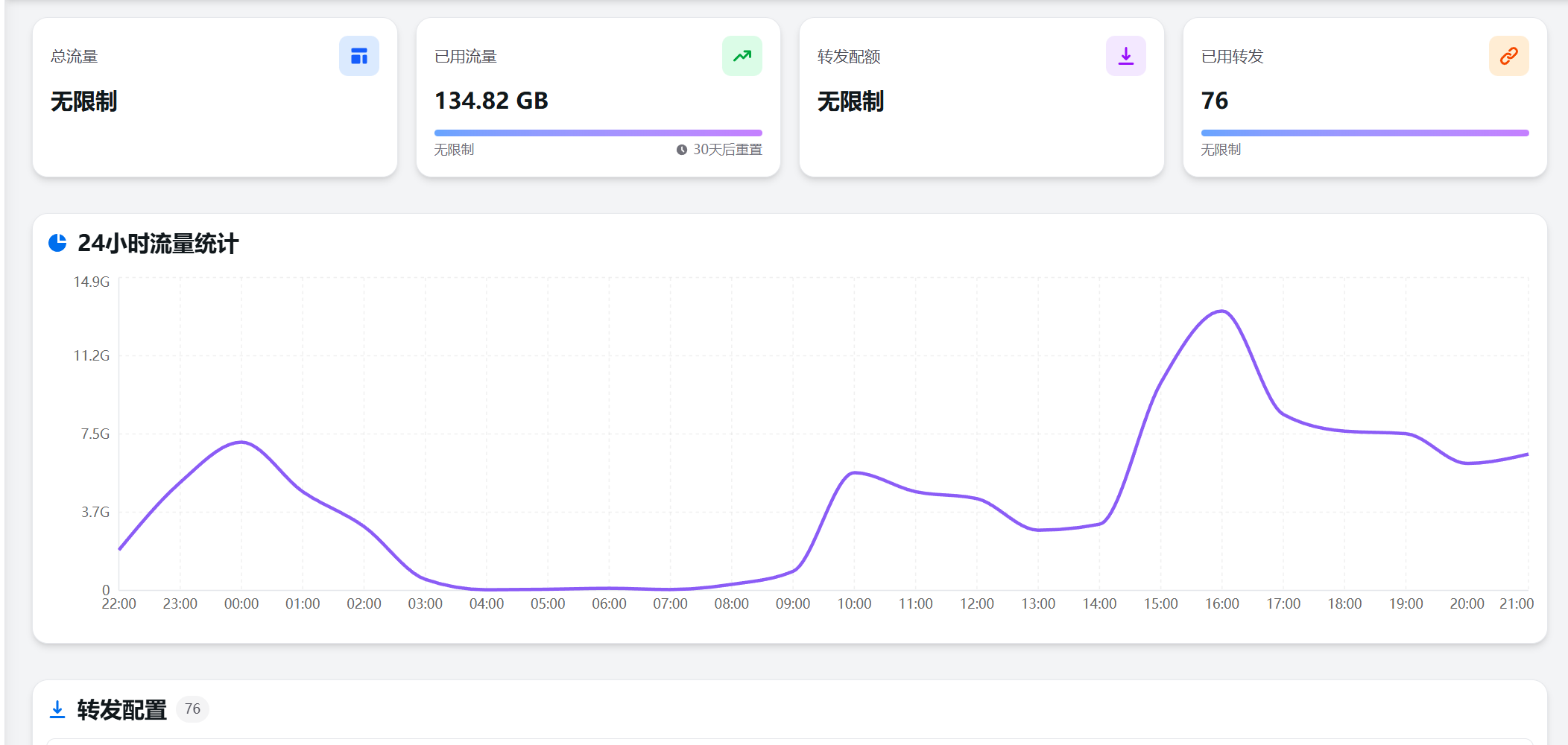
今天在某家 NAT 小鸡商处新购入了一台服务器,由于商家仅提供 Alpine 系统,而面板自带的一键对接命令在 Alpine 环境中始终无法正常运行,因此我改为手动完成了 Flux 转发节点端的安装。下面将记录整个安装过程,供大家参考。(Thank you GPT)
步骤 1:安装依赖
Alpine 默认环境太精简,我们先安装必要命令:
apk update
apk add --no-cache wget curl bash
步骤 2:创建目录
mkdir -p /etc/gost
cd /etc/gost
步骤 3:下载 gost 程序
从官方 flux-panel 的 release 下载
wget -O gost https://github.com/BrunuhVille/flux-panel/releases/download/gost-latest/gost
chmod +x gost
如果你在国内速度慢,用镜像:
wget -O gost https://ghfast.top/https://github.com/BrunuhVille/flux-panel/releases/download/gost-latest/gost
chmod +x gost
步骤 4:创建配置文件 config.json
Flux-panel 的 gost 节点端需要两个配置文件:/etc/gost/config.json和/etc/gost/gost.json
我们需要先获取一下以下两个信息,这里可以通过面板力度一键安装命令获取,如:
curl -L https://raw.githubusercontent.com/BrunuhVille/flux-panel/refs/heads/main/install.sh -o ./install.sh && chmod +x ./install.sh && ./install.sh -a 1.1.1.1:6365 -s 1145141919810f1c7a3de9b42e6d58c20这里的 1.1.1.1:6365 和 1145141919810f1c7a3de9b42e6d58c20 就是需要的"addr"和"secret",将下面cat命令里面的"addr"和"secret"修改成自己的即可
{
  "addr": "",  //填你自己的后端地址,IP:PORT 格式
  "secret": ""  //填你自己的密钥
}
/etc/gost/config.json
cat > /etc/gost/config.json <<EOF
{
  "addr": "",
  "secret": ""
}
EOF
/etc/gost/gost.json
如果没有就创建一个空的:
echo "{}" > /etc/gost/gost.json
步骤 5:手动测试运行(确认不报错)
执行:
cd /etc/gost
./gost -V

再运行:
./gost
如果输出内容类似于:
config.json loaded

并保持运行状态 → 成功!
按 Ctrl + C 停止。
步骤 6:让 gost 在 Alpine 后台长期运行(OpenRC 服务)
创建服务文件:
cat > /etc/init.d/gost <<EOF
#!/sbin/openrc-run

name="gost"
command="/etc/gost/gost"
command_background="yes"
directory="/etc/gost"
pidfile="/var/run/gost.pid"

depend() {
    need net
}
EOF
赋权:
chmod +x /etc/init.d/gost
步骤 7:注册并启动服务
rc-update add gost default
rc-service gost start
检查是否成功:
rc-service gost status
如果看到:
status: started
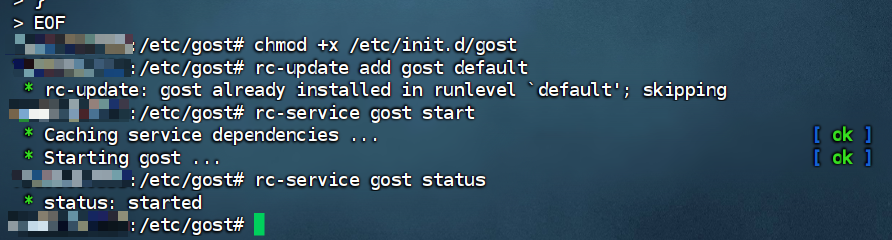
🎉 节点端已成功运行!
如需查看日志(后台输出):
tail -f /var/log/messages
或:
ps aux | grep gost